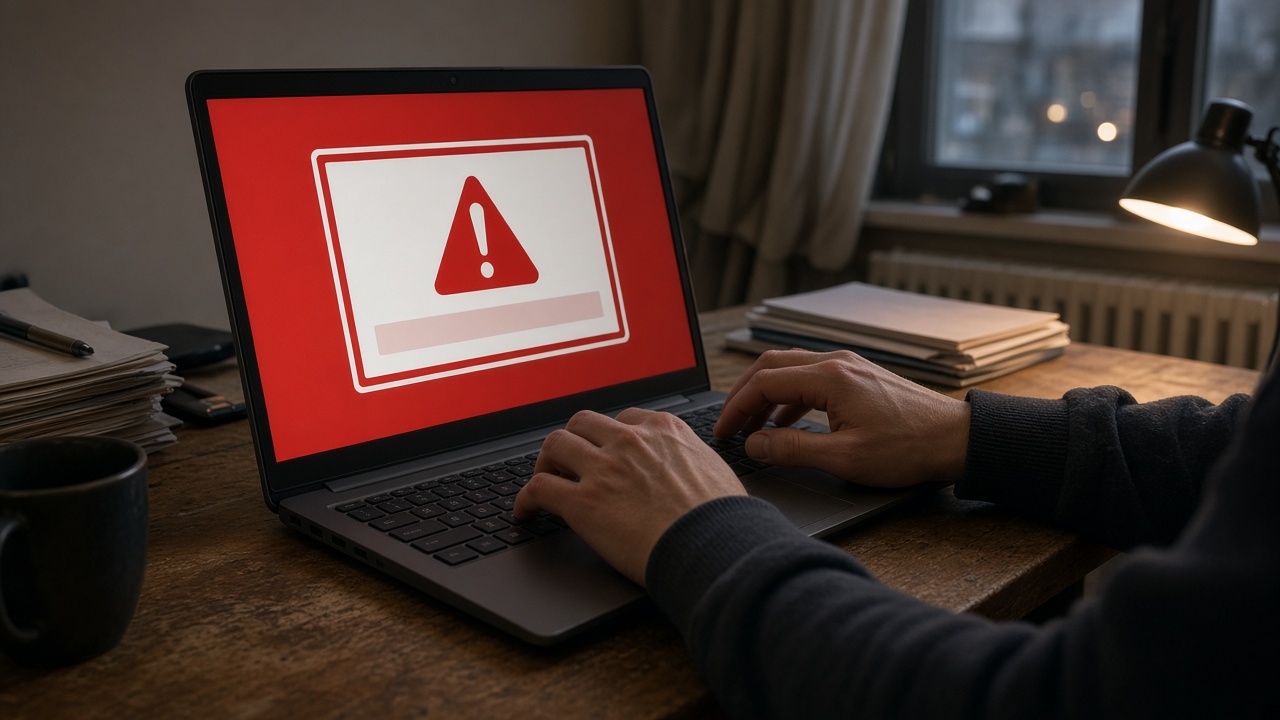
The Singapore Police Force said on Sept 20 that fraudulent pop-ups impersonating the force have re-emerged, locking victims’ browsers and steering them toward card payments for fake fines. The advisory is not describing a new logo or a new agency name—it is the same government-impersonation playbook with a full-screen twist aimed at people browsing on laptops and desktops at home.
What victims see on screen
In the variant police highlighted, users encounter an alert bearing the SPF mark that claims their device has been “locked” because they repeatedly visited websites with illegal content. The message demands payment of outstanding fines within hours and warns that failure to pay will leave the device permanently locked and expose the user to prosecution.
A countdown timer runs on the alert to compress decision time. Victims who enter bank card details believing they are clearing a fine later discover unauthorised charges in foreign currency, often for more than the amount shown on the pop-up. Police did not publish a fresh victim count with this release; the emphasis is on mechanics and prevention after a similar wave was flagged in February.
What is theatrical—and what is real theft
The “lock” is usually browser theatre, not remote control of the machine. In earlier advisories, police noted scammers may force full-screen mode, hide the cursor, or make a page feel frozen so users cannot reach normal controls. That can feel like the computer has been seized even when no law-enforcement system has touched it.
What is real is the payment capture. Once card data flows to the scam site, criminals can run transactions offshore. The loss lands on the cardholder and their bank’s dispute process—not on a government fine ledger.
What SPF does not do
Police repeated a line that bears repeating because the pop-ups contradict it: officers do not remotely lock personal laptops or computers, and they do not collect fines through browser alerts. Legitimate enforcement paths do not route through a website demanding immediate card entry while a timer ticks.
Anyone unsure whether contact is genuine can call the 24-hour ScamShield Helpline at 1799 or use official verification channels rather than interacting with the pop-up.
Breaking out of a frozen browser
If a page seizes the screen, police advise using the keyboard shortcut to open Task Manager on Windows—Ctrl+Alt+Delete—and force-quitting the browser or related applications. Simply clicking buttons inside the fraudulent overlay often deepens exposure.
After closing the session, run an antivirus scan if the site pushed downloads, and review recent browser extensions. Victims should not assume the episode ended once the window closes; saved credentials or malware sideloads are separate risks worth checking.
If money already moved
Contact the bank immediately to block the card and dispute unauthorised foreign-currency postings. File a police report so the case enters national scam statistics and investigators can correlate with other reports. Preserve screenshots with timestamps, URLs, and transaction records—without redistributing stolen card data in public forums.
February’s advisory on the same scam family noted that government-impersonation cases remained a pressure point in national fraud figures, even as total scam losses fluctuate year to year. Pop-up variants sit inside that broader bucket rather than as a standalone epidemic with published dollar totals.
Household habits that reduce repeat risk
Keep browsers updated, avoid sideloading “video codec” or “security” tools from unknown pages, and treat any demand for immediate payment—especially with threats of prosecution—as a scam until verified offline. Family members who share one home PC remain vulnerable if one user clicks through; the advisory is as much about conversation at the dinner table as about IT settings.
Police asked the public to share the advisory with less tech-confident relatives, because the urgency cues target panic more than sophistication. The re-emergence notice does not change the underlying rule: if the Singapore Police Force did not meet you through established channels, a pop-up is not them.
Reporting channels remain the same as for other phishing cases: file online or at a neighbourhood post if money moved, and keep devices offline from banking apps until you are confident the browser session is clean.