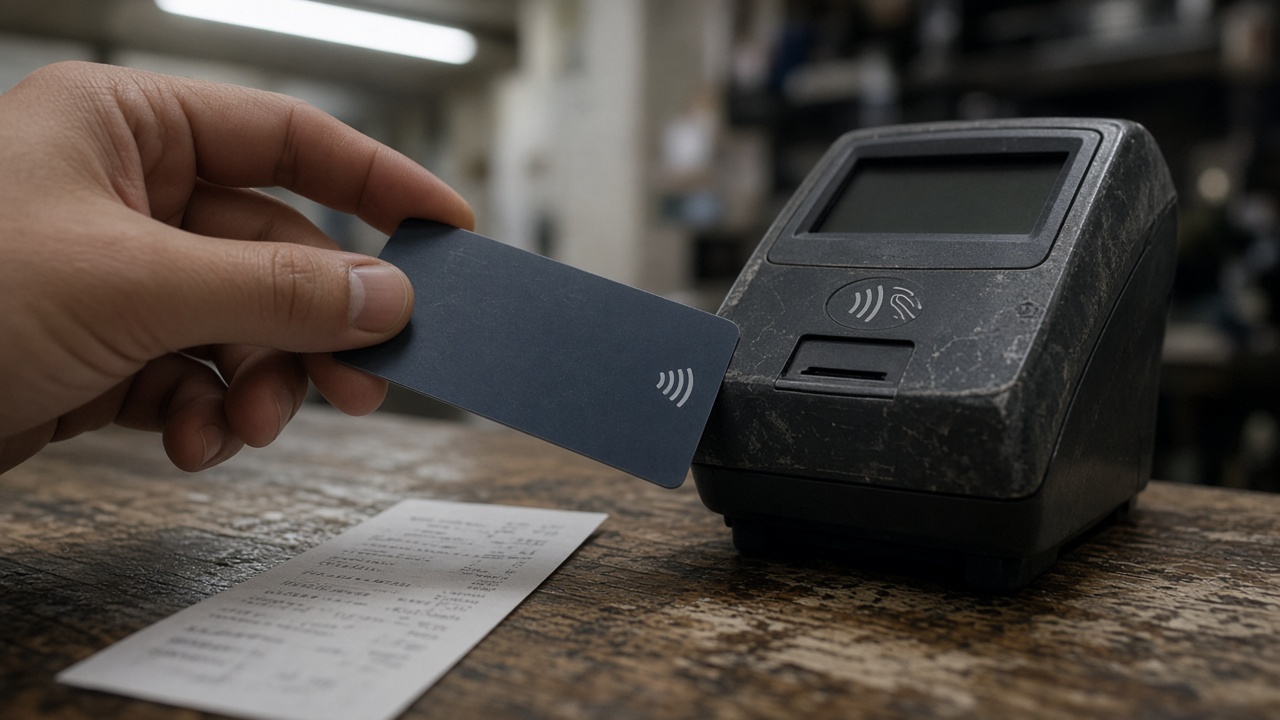
Chase is steering more cardholders toward Pay Over Time, the issuer’s fixed-fee installment option, at the same moment purchase APRs on many Sapphire and Freedom products sit in the high teens after prime-rate resets. The product is not a 0 percent promo: pricing terms published for Chase Sapphire Preferred show a monthly plan fee of up to 1.72 percent of the amount placed on a plan, on top of the purchase APR that still applies if you carry other balances.
How the fee stacks against interest
When you activate Pay Over Time on an eligible charge, Chase converts that slice of spending into a set number of monthly payments. Each payment includes principal plus the disclosed plan fee. Because the fee is fixed at activation, you know the dollar cost upfront—unlike revolving interest that compounds when you only pay the minimum.
That 1.72 percent figure is a ceiling, not a quote. Chase says promotional plans can carry lower fees, and the exact charge depends on the purchase size, term length, and account history. Still, a $2,000 TV placed on a six-month plan at the maximum fee would carry roughly $34 in plan charges in the first month alone before principal amortization—money that does not reduce the balance the way an extra principal payment would.
Who should use it—and who should not
Pay Over Time makes sense when you need predictable payments and your alternative is carrying the same charge at a 20 percent-plus purchase APR while paying less than the full statement balance. It is a poor substitute for paying in full: even a modest plan fee is 100 percent certain cost.
Balance transfers and intro 0 percent offers, if you still have them on the account, usually beat a fresh plan fee. Chase also caps how many active plans you can run; stacking plans on small purchases can bury you in fees that look minor on each transaction.
What to check before you tap “create plan”
Open the disclosure screen Chase shows at activation and write down three numbers: the plan fee percentage, the number of months, and the total fee dollars over the life of the plan. Compare that total to the interest you would pay if you left the same amount on the revolving balance at your current APR for the same period.
If you are already in a penalty APR window—Chase pricing lists penalty rates up to 29.99 percent on some cards—new purchases may not be eligible for the lowest plan fees. Autopay does not automatically enroll you in Pay Over Time; you must opt in per transaction or eligible balance in the app or online.
Regulatory backdrop
The Consumer Financial Protection Bureau has pushed issuers to show all-in costs for installment features, not just the monthly payment. Chase’s rename from “My Chase Plan” to Pay Over Time reflects that branding shift, but the economics are the same: a finance charge expressed as a monthly fee rather than an interest line item.
For households juggling holiday spending after Amazon’s Prime Big Deal Days on October 6 and 7, the practical rule is simple. If you cannot pay the statement in full, compare the plan fee quote to your APR math before you checkout. A fixed fee can save money—or it can simply dress up another way to borrow.
App versus statement surprises
Chase surfaces Pay Over Time offers inside the mobile app checkout flow and on eligible line items after posting. The toggle is easy to hit when you are reviewing a large purchase notification. If you share cards with a partner, turn on purchase alerts so both of you see when a plan is created—otherwise the minimum payment can jump without a clear explanation on the paper statement.
Cash advances and balance transfers follow different fee schedules; Pay Over Time does not retroactively apply to old debt. Cardmembers rebuilding credit should note that plan balances still count toward utilization ratios reported to bureaus even though the fee is not interest.
Customer service can quote an early payoff figure that waives remaining plan fees on some accounts, but policies vary by product. Ask for a written payoff amount before you send a lump sum.